 HUVA
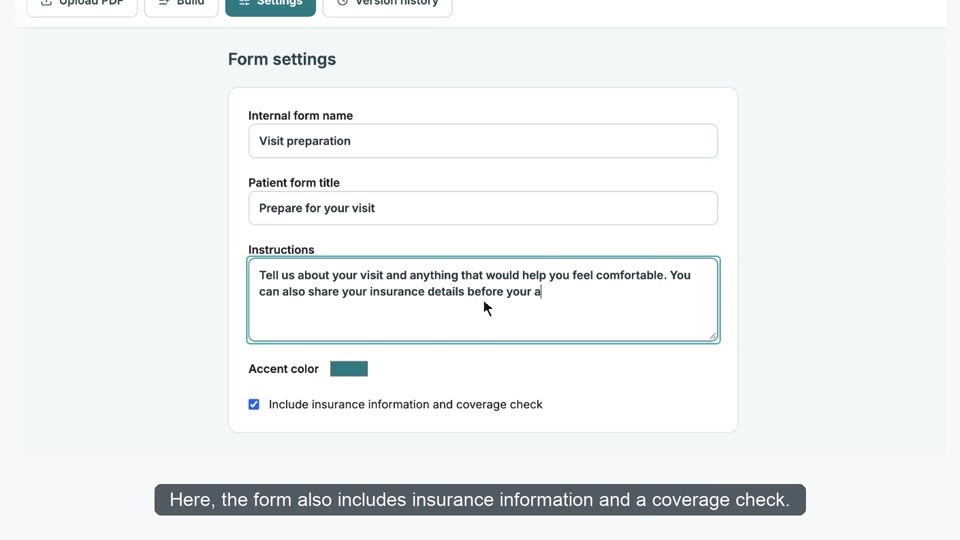
Prepare your clinic and complete your first request.
View workflow guidesPRACTICAL HELP FOR YOUR CLINIC
HUVA Clinic Guide
Choose a task. Follow the steps. Check the result.
Search tasks in English or Korean. Keep patient information out of search.
START HERE
Your first patient request
Use fictional patient details and a phone you control for practice.
- 1
Set up your clinic
Save the settings and notification recipients.
- 2
Make a test call
Try one request on your assigned number.
- 3
Review the request
Compare Inbound with the actual staff inbox.
FIND YOUR WORKFLOW
What do you need to do?
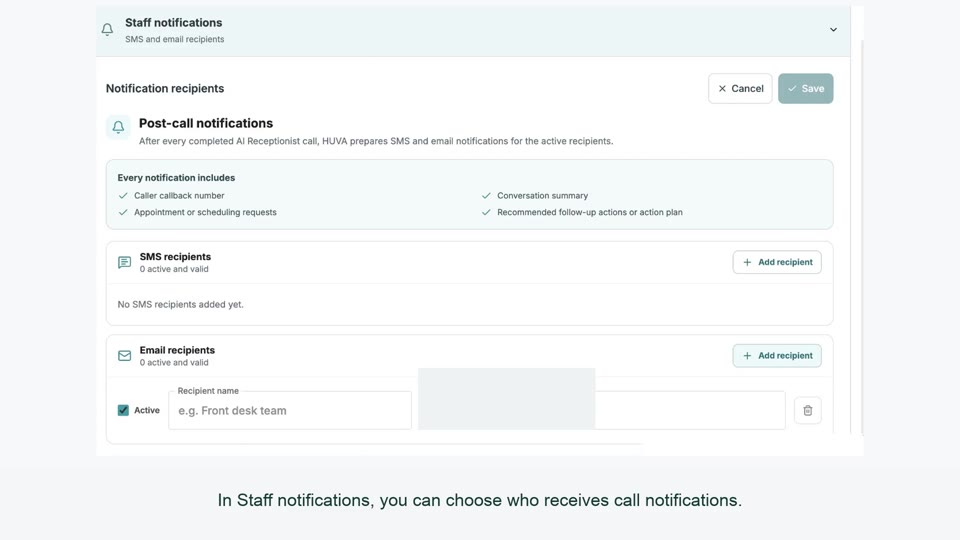
Set up your receptionist and turn calls into requests staff can review.
- Configure greetings, transfers and phone routing
- Send call summaries to the right staff inbox
- Make a test call and review the request
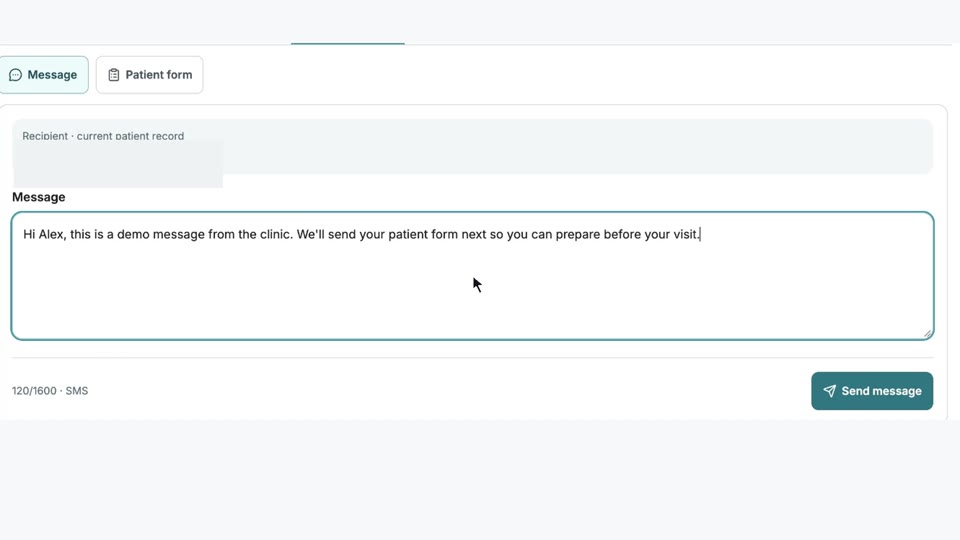
Send messages and forms, arrange visits and check patients in.
View workflow guides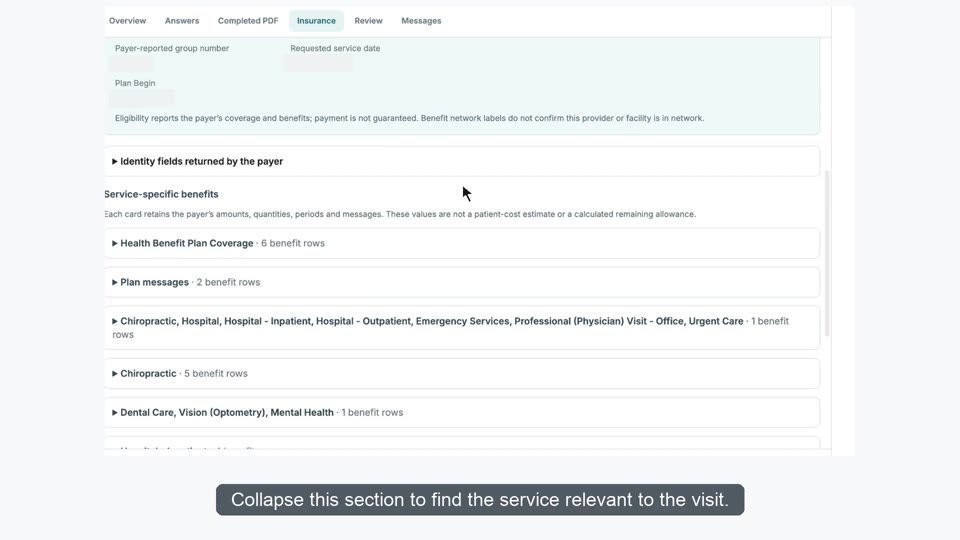
Read the insurer response, resolve differences and apply a reviewed policy.
View workflow guides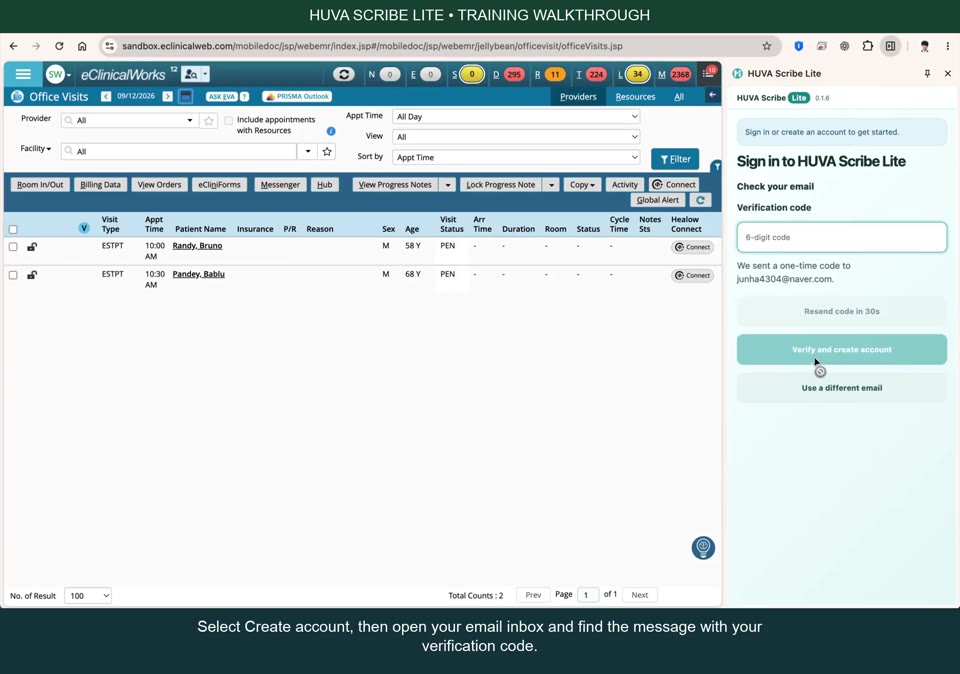
Record with HUVA Scribe, review the draft and verify the saved note.
- Record a visit with HUVA Scribe
- Use your phone as the Scribe microphone
- Write the reviewed note and verify each saved item
Need a person?
Tell the HUVA team the product, screen and exact non-sensitive error message. Keep patient information and credentials out of your message.
contact@huver.aiGuide chat answers questions from HUVA documentation. Staff support starts with an email you send to the address above. Opening your email app does not send a request.
Check your email app for sent messages or delivery errors. If the link does not open, copy contact@huver.ai into your email app.
Billing and refund requests
The HUVA team reviews refund requests manually. Email contact@huver.ai for help with a charge or subscription. Keep card details, passwords and patient information out of your email.
For HUVA Chat, open the separate service.